Your year in code
Your year on GitHub, as a story.
Your streak, your busiest days, the month you caught fire, and a persona that's yours. Ready to share in seconds.
Or watch @torvalds, @gaearon or @sindresorhus
Your GitHub year in review
Recapped turns your public contribution calendar into a story, one number at a time. Think of it as a Wrapped for your year on GitHub. Here's what's in it.
-
Your year in numbers
Your total contributions, and how they compare with the year before.
-
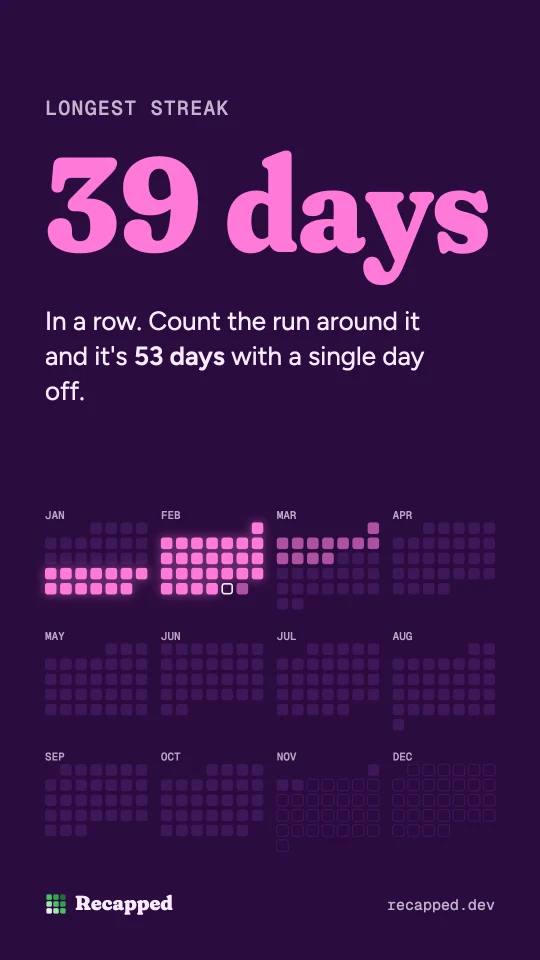
Your longest streak
The longest run of days in a row, lit up on your calendar.
-
Your biggest days
Your busiest day, your best month and the day of the week you get the most done.
-
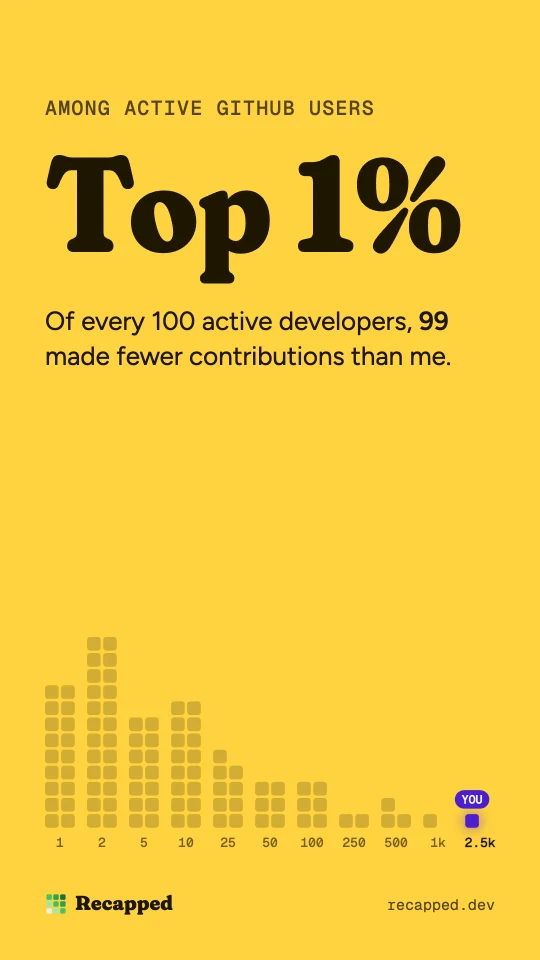
Where you rank
Where you stand among active GitHub users, estimated from a random sample of real accounts.
-
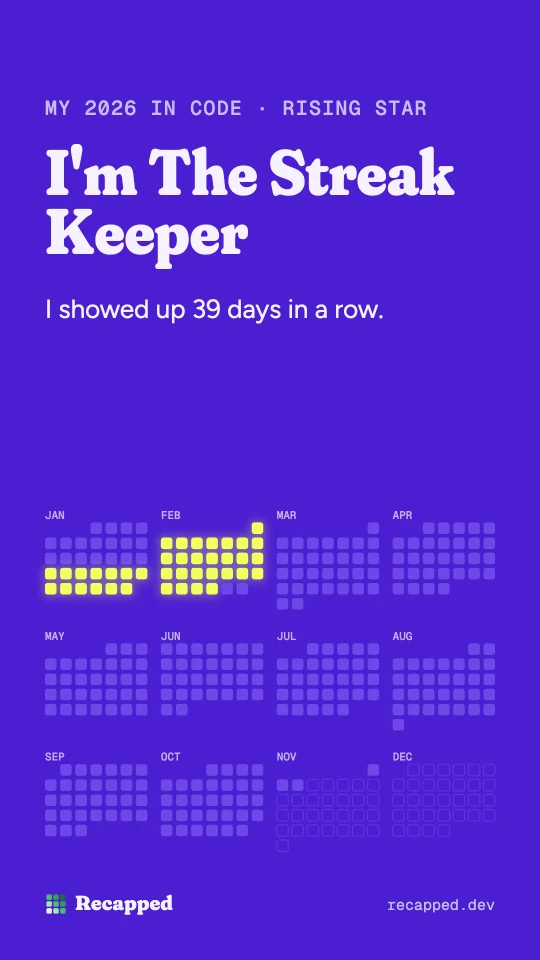
A persona that's yours
One of 48, from The Streak Keeper to The Friday Deployer, picked for what makes your year unusual.
-
A card to share
An image made for posting on X or LinkedIn, and a card for your GitHub profile README.
How it works
Type a GitHub username
Yours, or anyone's. There's nothing to install and no sign-in.
Watch the year play
About a dozen slides, a few seconds each, with a soundtrack you can switch off.
Share it
The story ends on a card made for posting, with a link that shows your persona.
48 personas. One is yours.
Every year on GitHub has a shape. Your persona is the name for yours, chosen by comparing your year with a random sample of real developers.
Questions
Is Recapped free? Do I need to sign in?
It's free, and there's no sign-in. Type any public GitHub username and the story plays.
Is this GitHub Wrapped?
Recapped is an independent, Wrapped-style year in review for GitHub. It isn't made by GitHub or affiliated with it.
Does it count my private contributions?
Only if your profile shows them. Recapped reads the public contribution calendar, so turn on Include private contributions in your GitHub profile settings and your private work is counted too.
Where does the data come from, and what do you keep?
From the contribution calendar on your public GitHub profile, the same green grid anyone can see. A copy of the calendar and the finished recap is cached so the page loads quickly, and deleted once nobody has viewed it for 45 days.
Can I see earlier years?
Yes. Add the year to the address, like recapped.dev/torvalds/2025. Calendars go back to 2008.
How is my rank worked out?
From a random sample of about 10,000 active GitHub accounts. Your total is compared with theirs over the same days, so it's an estimate. It appears in your story when you're in the top half.
Can I add my recap to my GitHub README?
Yes. The last page of your story has a README button, which copies a card you can paste into your profile.